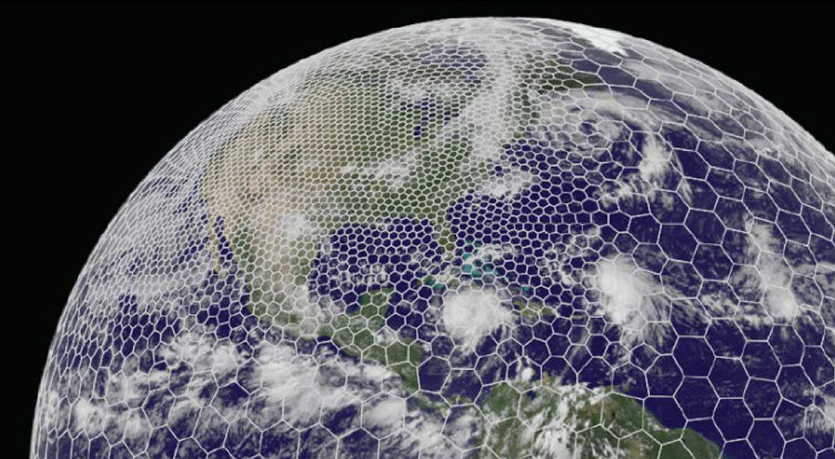
The latest GRAF® weather model improvements
Continue reading

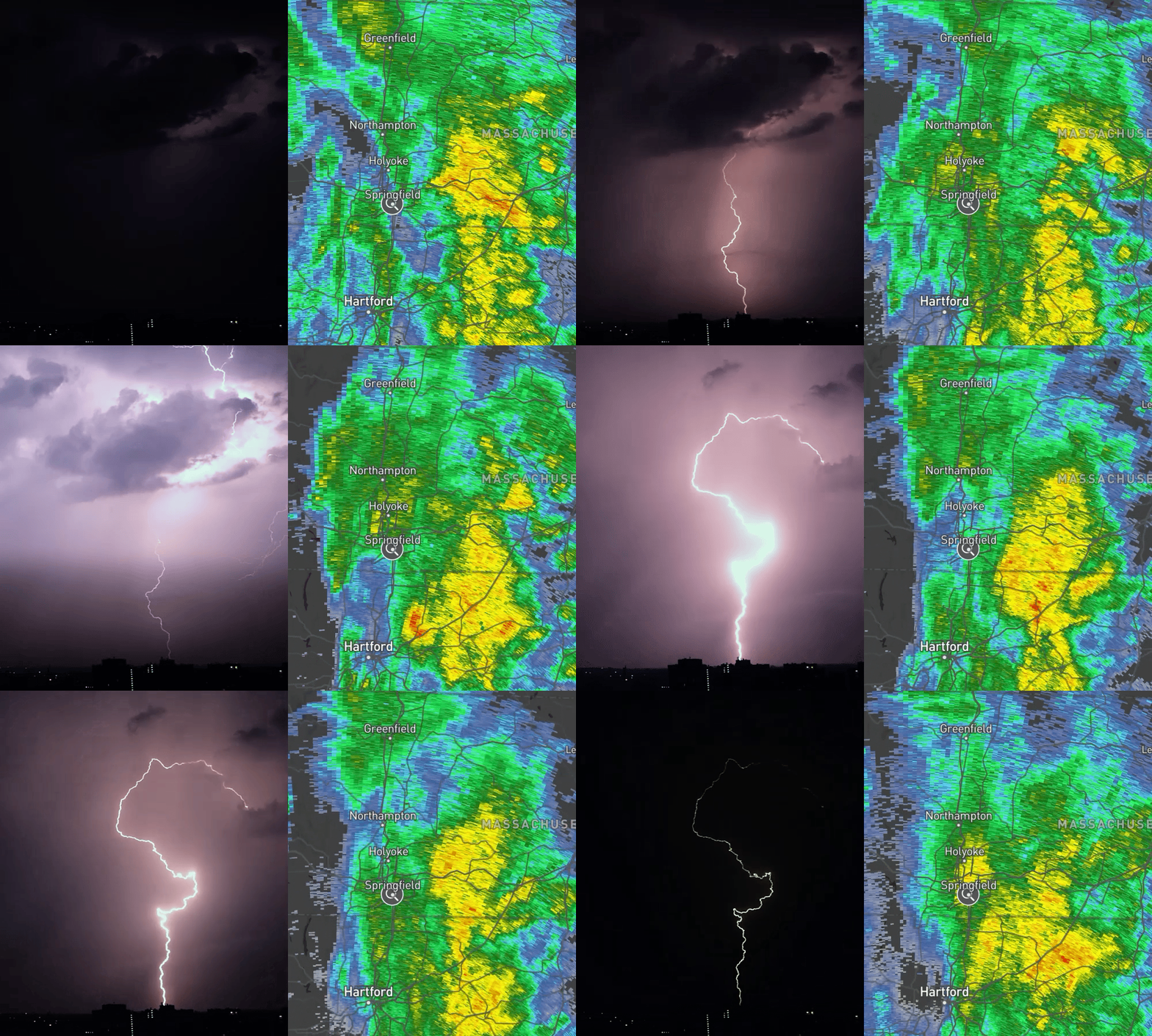
From weekend warriors to daily commuters, understanding your local weather has never been more important or easier to access. At The Weather Company, we’ve been working hard to improve our radar and forecasting capabilities.
That’s why we’re excited to introduce the new Storm Radar, the next step forward in weather apps. Our goal was simple: show you what’s happening right now, exactly where you are, with all the detail you need.
What makes Storm Radar different
Most weather apps give you basic graphics and cookie-cutter forecasts. Storm Radar runs on professional-grade technology – the same systems that meteorologists, broadcasters and pilots rely on. Think of it as getting access to the “behind-the-scenes” weather data, but in a way that actually makes sense on your phone.
In fact, Storm Radar operates on two modes. The regular radar is a blend of data models, while “single site radar”, or high-definition radar gathers data directly from a local radar station (over 150 across the U.S. alone).
Real-time radar that actually moves
Storm Radar’s animated radar shows weather as it’s actually moving. You can slow it down, speed it up or pause at any moment to see exactly what’s happening. When severe weather is approaching, you can literally watch the storm develop and track where it’s headed.
See as much (or as little) as you want
Choose what information matters most to you:
- Radar: See past and future rain, snow or mixed precipitation with intensity levels
- Satellite: Get the big picture view with visible, infrared and water vapor images
- Lightning: Real-time strikes with color coding so you know what’s happening now vs. what happened 10 minutes ago
- Storm Tracking: Follow projected storm paths and spot potential hail or rotation
- Weather Alerts: See exactly where National Weather Service warnings apply
- Current Conditions: Wind, temperature, humidity, pressure, UV and air quality – each as separate layers you can turn on or off
Storm Radar is available for iPhone, iPad and Mac
Download through the App StoreSmart features for better weather decisions
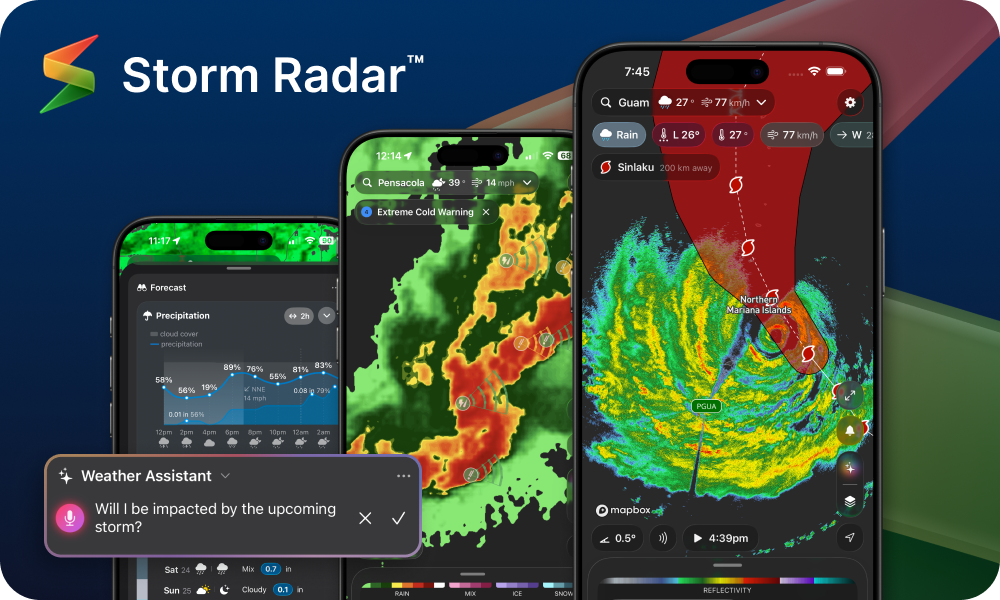
Experience next-generation weather forecasting with an AI Assistant and high-resolution radar.
Your personal weather assistant
The built-in AI Weather Assistant goes way beyond generic forecasts. Ask real questions like “Will my drive home be rainy?” or “Is there time for a run before the storm hits?” Want some personality? Choose from 14 different styles, from straightforward weather presenter to cowboy to film noir detective. (Yes, really.)
Intelligent widgets that actually help
Put the weather info you care about right on your home screen. Hourly forecasts you can actually read, current conditions for quick glances or live radar for your exact location, and all customizable based on what matters most to you.
Track multiple places easily
Keep tabs on weather anywhere in the world. Add locations with names that make sense to you: “Mom’s House,” “Beach Trip” or “Client Meeting Tuesday.” Each one gives you instant weather updates without having to search every time.
Tips to get the most out of Storm Radar
The app works for everyone, from casual weather checkers to serious weather watchers:
- Classic Mode: Clean and simple for those who “just want the weather”
- Pro Mode: Everything we’ve got. Advanced radar, lightning tracking, satellite images, storm paths and tons of customization options
- Make it yours: Choose your preferred color schemes, mix and match units (like Fahrenheit for temperature but knots for wind), and set up notifications exactly how you want them
- iPad users: Enjoy a true tablet experience with adjustable panels and full-screen radar views
Getting started
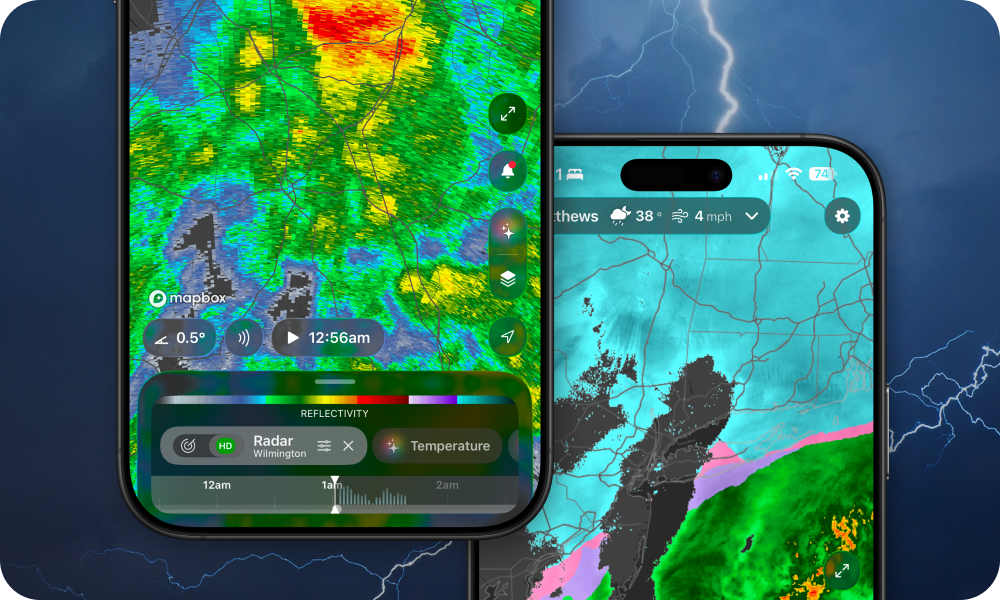
The Weather Channel premium subscribers get access to even greater Storm Radar features.
Storm Radar works on iPhone, iPad and Mac (requires iOS 17/iPadOS 17, some features need iPhone 14 Pro or newer).
You can use many features for free, or go Premium for the full experience: professional-level radar, 72-hour future forecasts, unlimited AI assistant access and all the advanced map layers.
Premium subscriptions renew automatically each year—you can cancel anytime in your Apple ID settings (just do it at least 24 hours before renewal to avoid charges).
Whether you’re tracking severe weather or just planning your day, Storm Radar gives you the tools to make smart, weather-informed decisions.