The latest GRAF® weather model improvements
Continue reading

Beyond basic forecasts
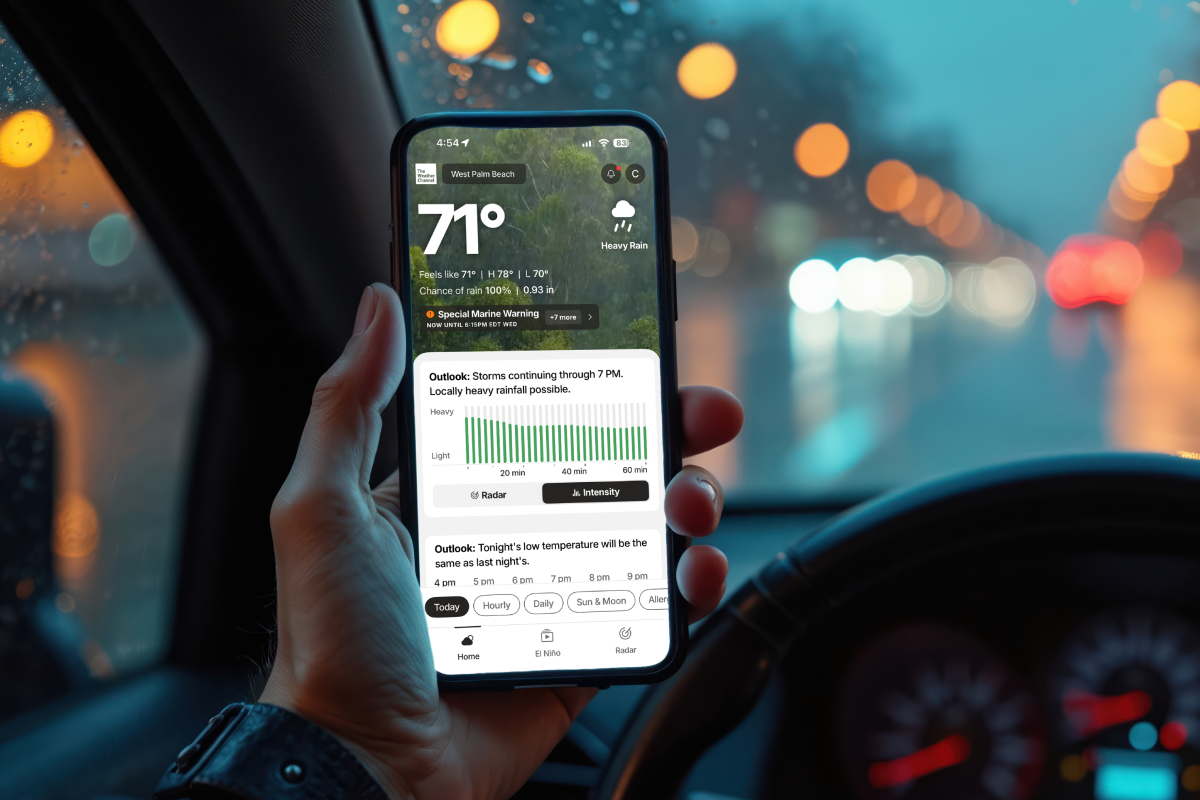
Your weather app should be more than a simple “rain or shine” check. Consider it your schedule maker (or breaker), whether you’re planning your morning jog around pollen levels, timing your commute with future radar or staying informed with breaking news. The Weather Channel app packs serious utility into your daily routine.
From emergency severe weather alerts to seasonal forecasts, including mosquito activity and snow predictions, having the right information at the right time makes all the difference in how you plan your day.
Upgrade to Premium: More precision, better decisions
You don’t need to stretch your budget when it comes to the necessities. There are three tiers designed for every weather enthusiast:
Premium
The full suite of advanced features
Standard
Completely ad-free browsing
Basic
No cost, fewer ads and cleaner experience
Premium gives you the tools to plan like a pro:
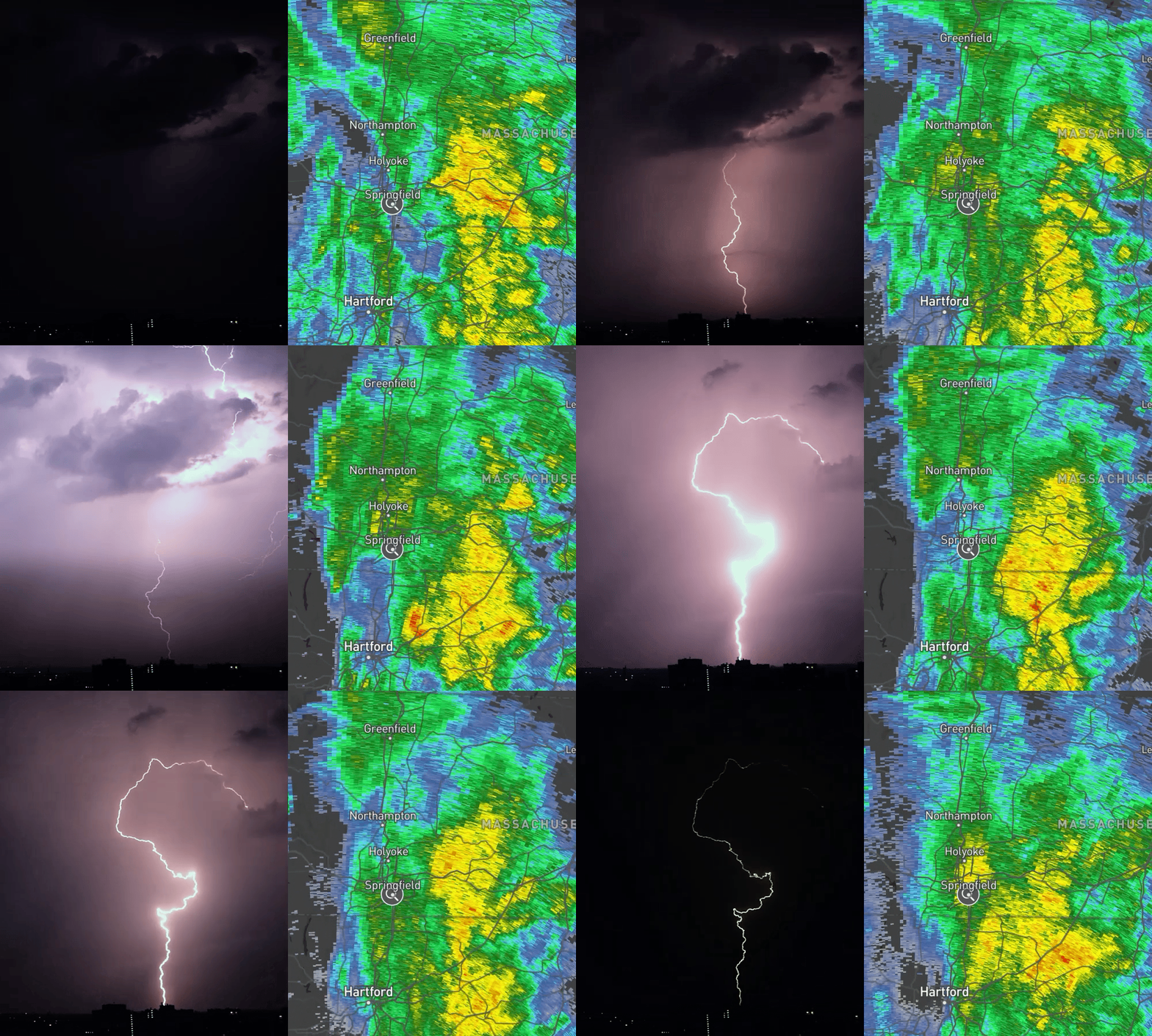
- 72-hour future radar: See exactly when weather will hit your location
- 192-hour forecast: Plan your entire week with confidence
- NEW Storm Radar premium app: High-resolution storm and hurricane tracking with 6½ hours of global future radar
- Advanced map layers: Windstream, 30-mile lightning detection, 48-hour future snowfall
- Morning Brief: Newsletter delivered to your inbox
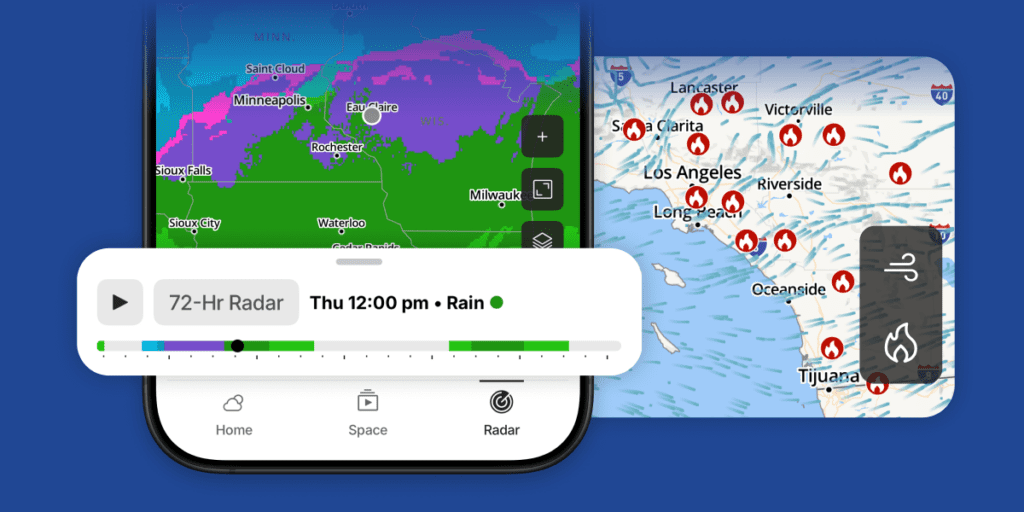
72-hour future radar forecast in The Weather Channel app.
Try premium risk free
Sign up for a 7-day free trial1 and join the millions who trust The Weather Channel to stay informed and safe.
New subscribers only
Live activities: Real-time weather on your lock screen
Premium subscribers get instant updates without opening the app.
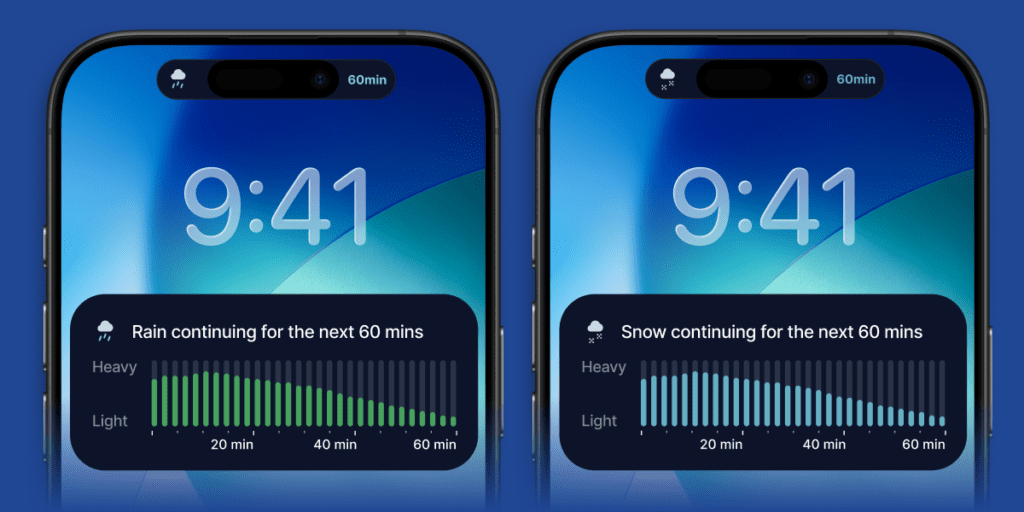
Live Activities on the lock screen showing precipitation alerts.
What it is:
Live Activities transforms your lock screen into a real-time weather monitor. Instead of guessing when rain or snow will start or stop, watch precipitation levels change minute by minute.
Perfect for:
Timing your walk between meetings, avoiding the carpool lane scramble in the rain or monitoring storm intensity without constantly unlocking your phone.
How to turn on Live Activities
- Open The Weather Channel app and click your profile (top right corner)
- Select “Notifications” in the top left menu
- Scroll to “My Places” and click the alerts button under your location
- Pro tip: Choose “Current Location” for alerts that travel with you
- Turn on “Live Activities” by tapping the slider in the third box
Your weather optimized
With breaking news, alerts and precision forecasting all in one place, plus premium features that give you the detailed insights to make better daily decisions – why settle for basic weather when you can have the complete picture? Start your Premium free trial today.
Try Premium, free
Sign up for a 7-day free trial and join the millions who trust The Weather Channel to stay informed and safe.
(New subscribers only)
Sign up1 New subscribers only